Welcome to 3DuxDesign - Let's Get Started!
Jump into your new 3DuxDesign STEM Kits! Whether you ordered a GoBox Classroom Kit or a Bundle, you are just a few steps away from hands-on-learning fun! Follow the steps below:
1. Activate Your All-Access Pass
2. Unbox your Materials,
3. Launch Your First Challenge!
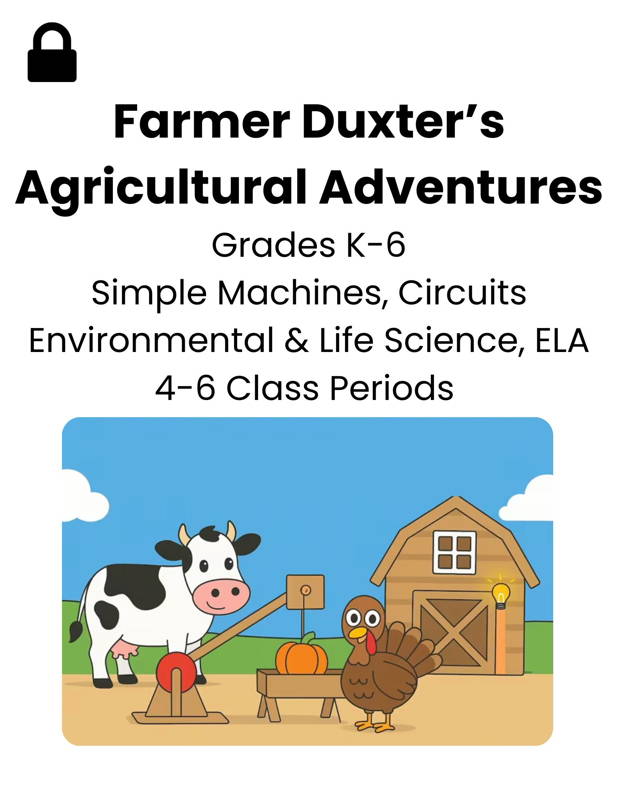
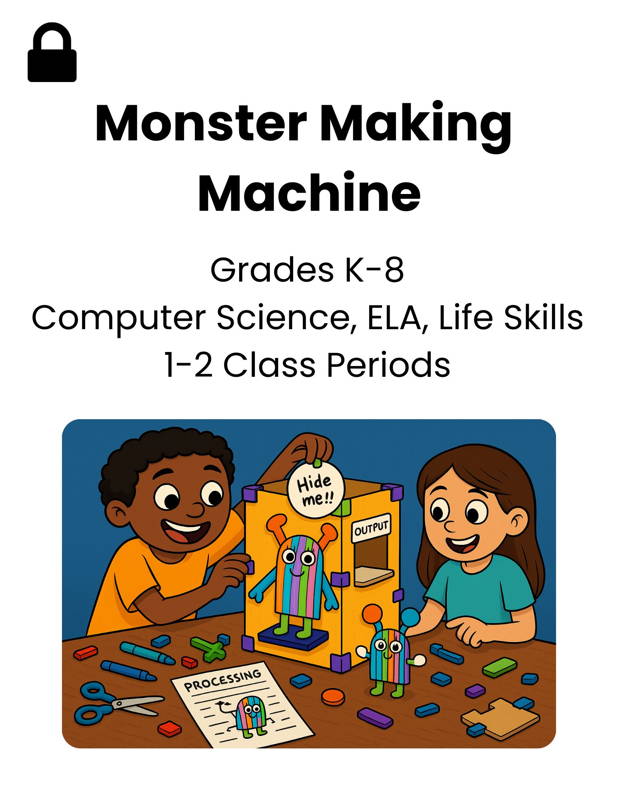
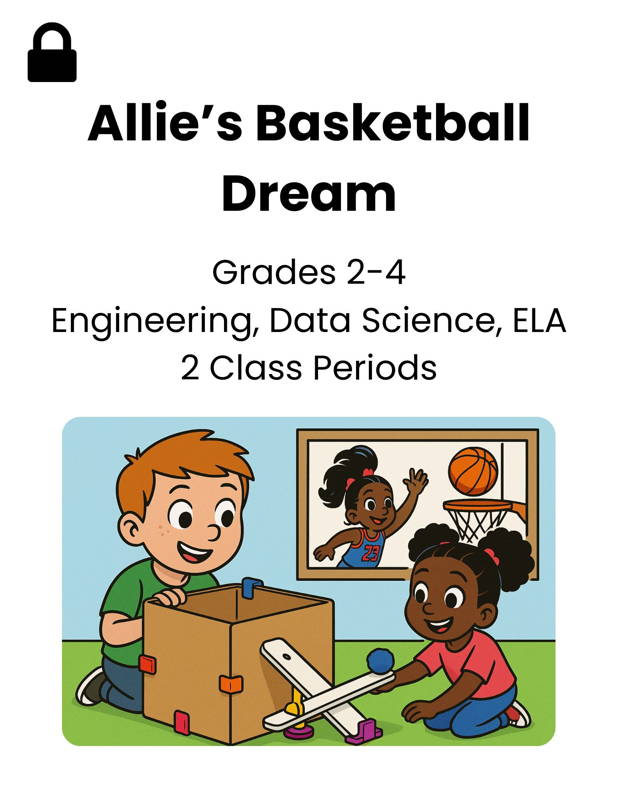
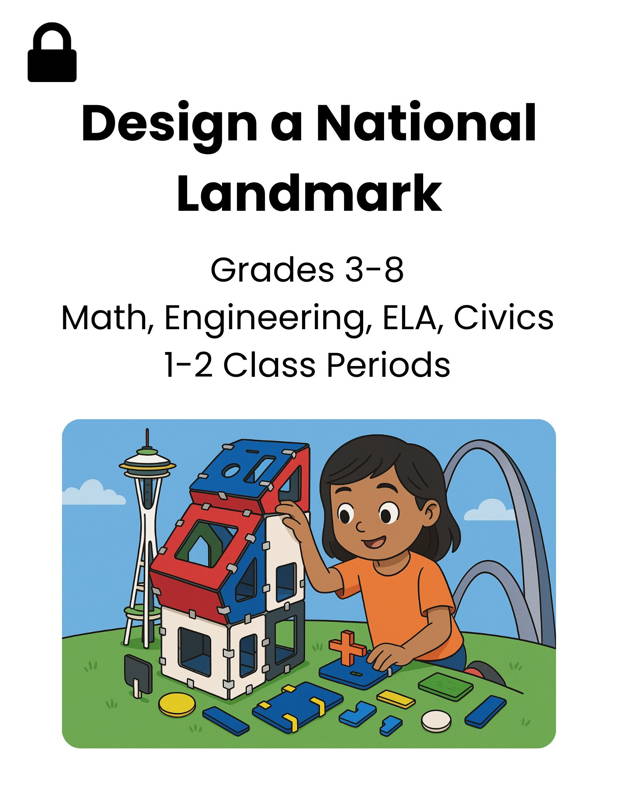
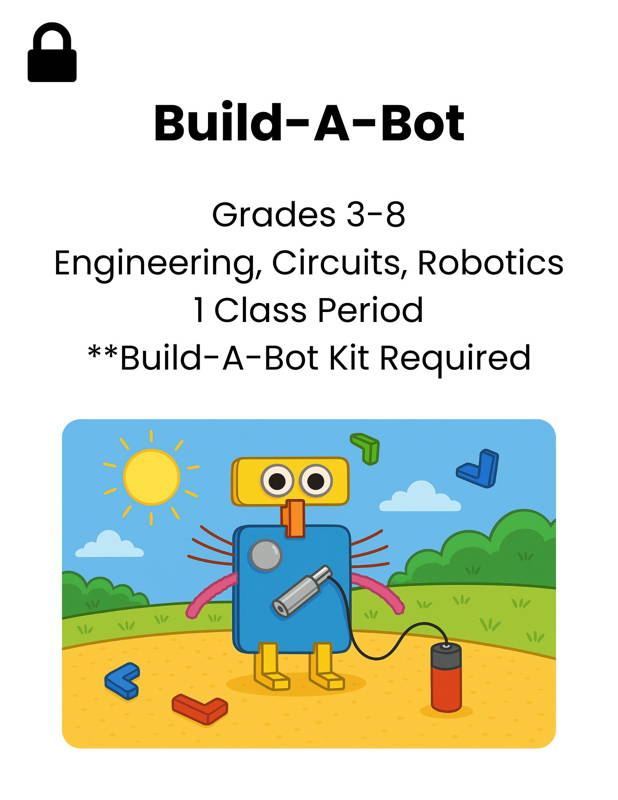
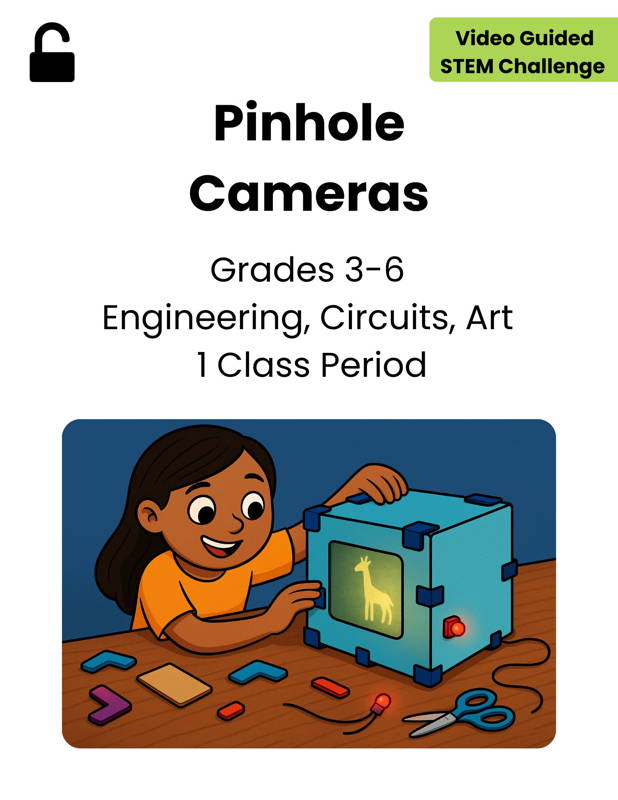
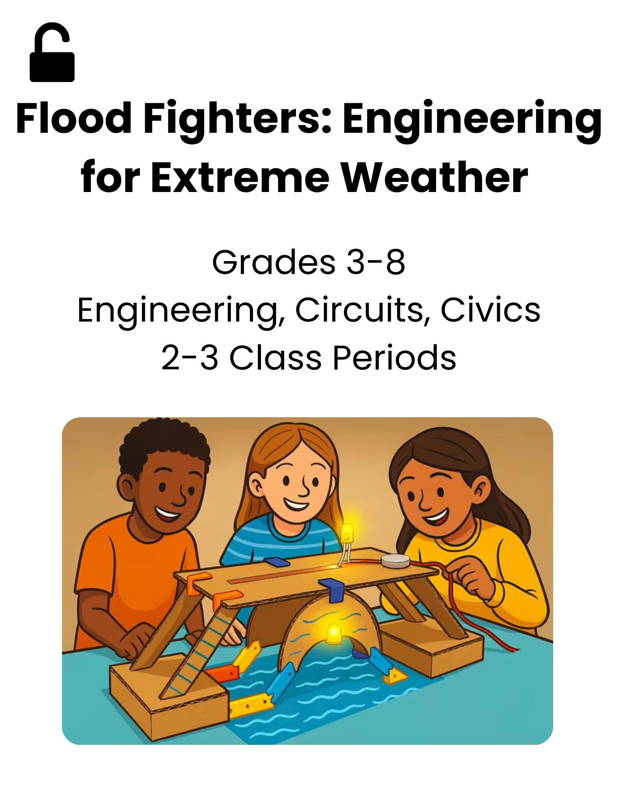
4. Explore Favorite Lessons (Note - Locked Lessons Require All-Access Pass)
All videos are under 5 minutes so you can spend less time watching and more time building with your young designers and engineers!
- STEP 1:Activate Your All-Access Pass
- STEP 2:Unbox Your Materials
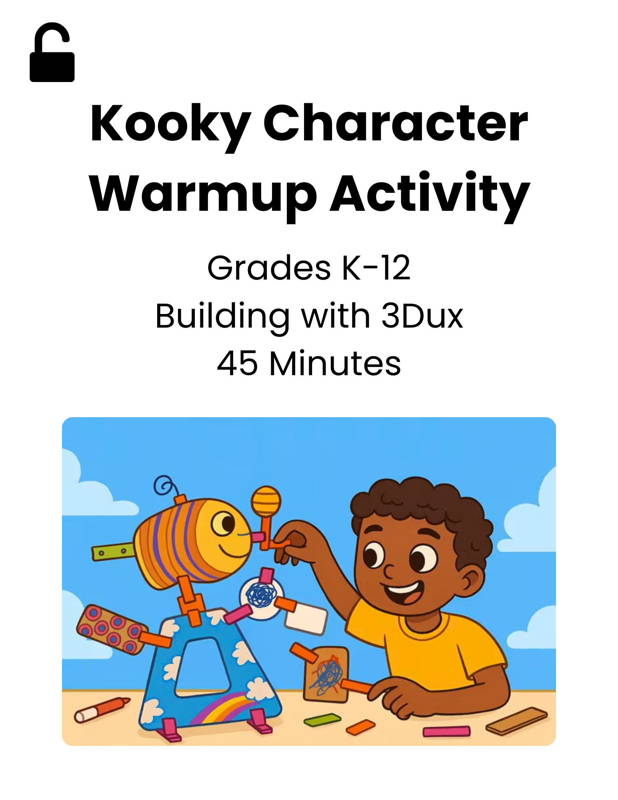
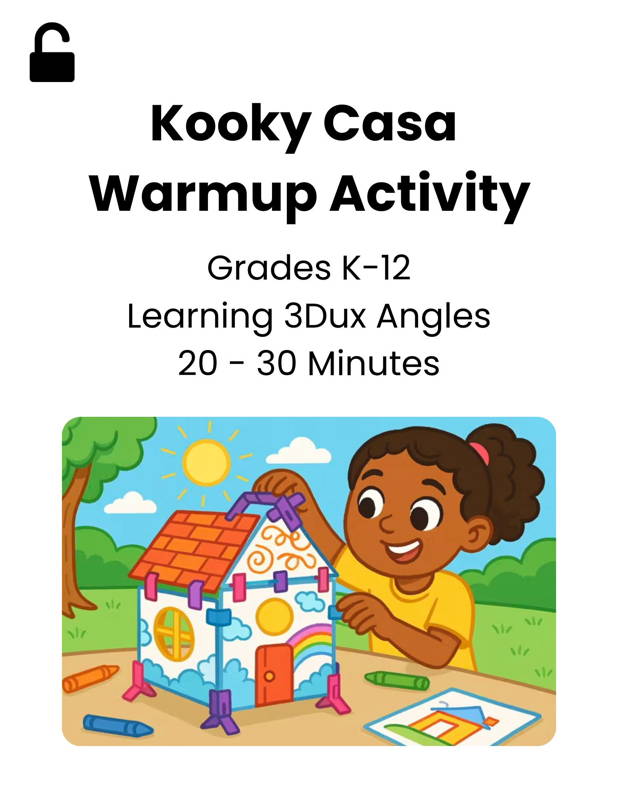
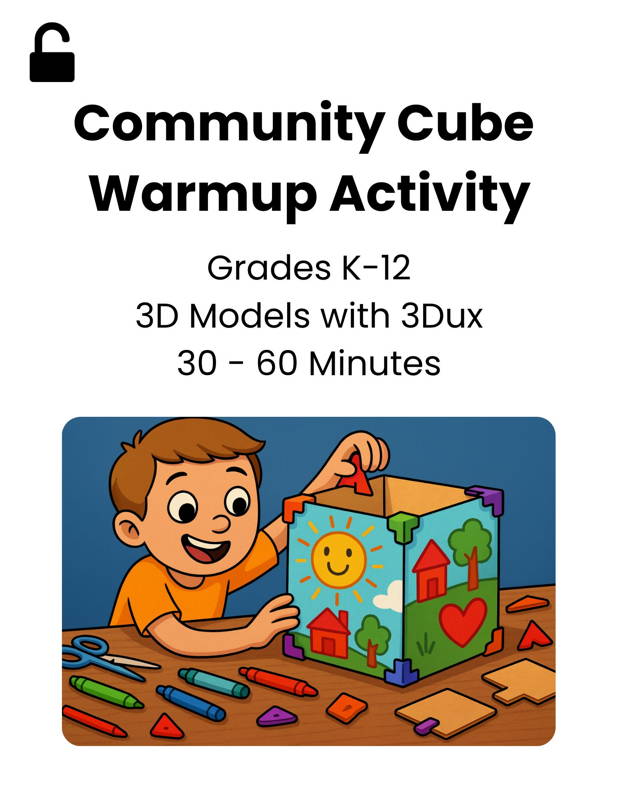
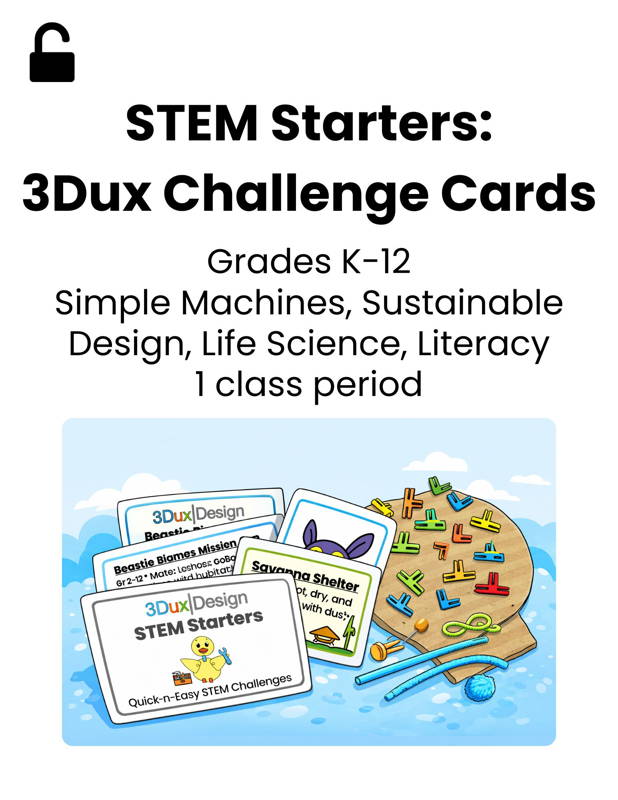
- STEP 3:STEM Starter Lesson Plans
- STEP 4:Explore Favorite Lessons
- Create an account using the email address you plan to use for logging into your new 3Dux account.
- Email the 3Dux team with your PO or order number to receive your code. You will receive a link to set up your All-Access Pass within 24 hours.
- Your 100% discount will be automatically applied at checkout (it may initially appear as $50, but the discount will be reflected on the final page).
- Watch "Step 2" unboxing videos for a quick tutorial and an overview of the available learning resources.
Unbox Your...
GoBox Classroom Kit • GoBox Mega Kit • Mini-Maker Kit
GoBox Pro - LED Lighting • GoPack Pro • Bundle with "Pro"
GoBox Machine Maker Kit • Machine Maker Add-On •
Bundle with "Machine Maker"
GoBox + Build-a-Bot Kit • Build-A-Bot Add-On •
Bundle with "Build-A-Bot"
GoBox + Renewable Energy Kit • Renewable Energy Add-On
Bundle with "Renewable Energy"